
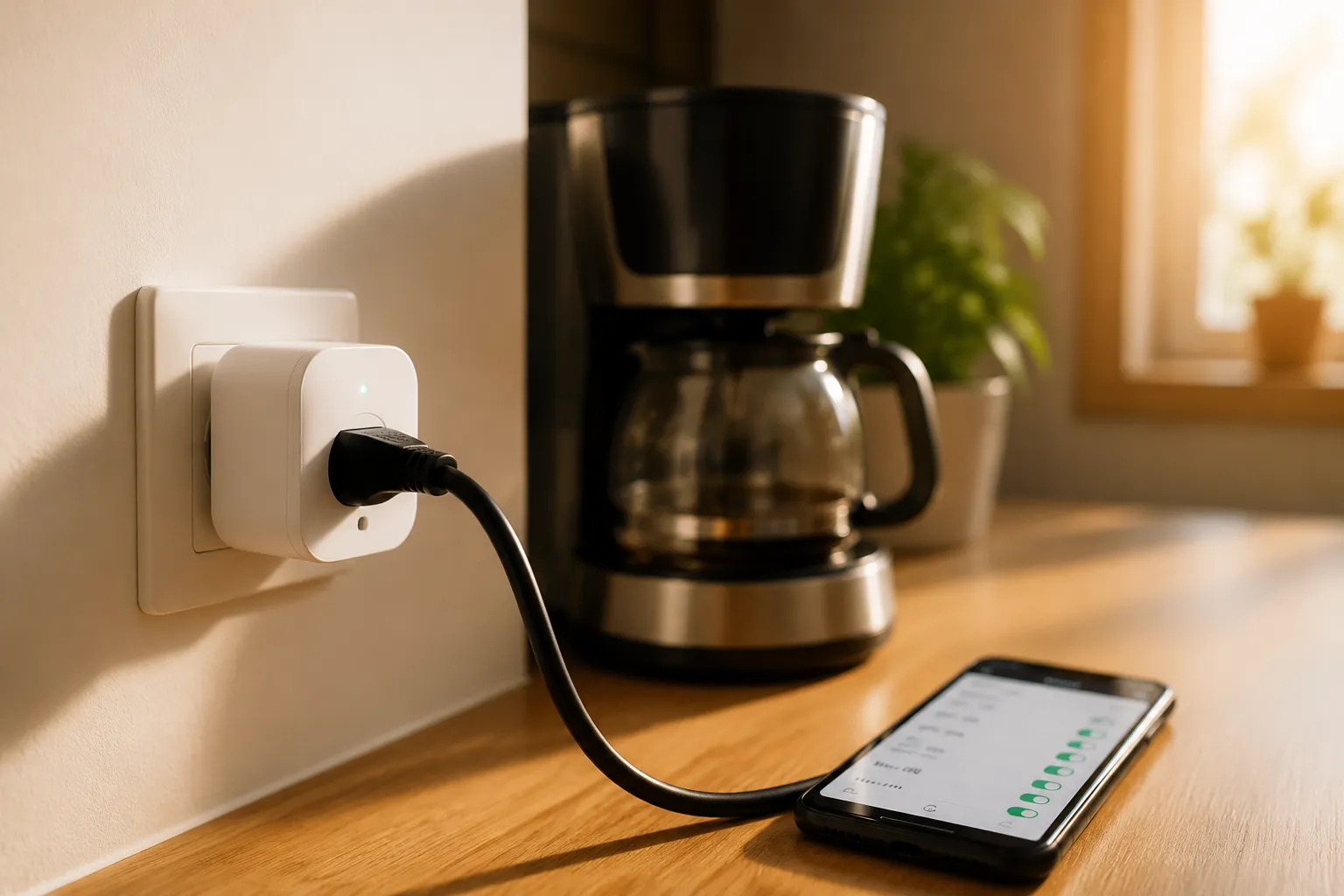
The average smart plug owner sets one up, connects it to an app, and then uses it to turn a lamp on and off from the couch. That is fine, but it is also the equivalent of buying a compact car and only ever using it to drive to the mailbox. The real value of a smart plug has nothing to do with remote control. It is scheduling, and more specifically, it is the kind of scheduling that eliminates the quiet, continuous drain of appliances that sit in standby mode all day and night. That waste is not a myth, and it is not trivial. The trick is knowing which devices benefit from a hard cutoff and which ones will punish a person for the interruption.
Standby power, sometimes called vampire load or phantom load, is the electricity a device draws while it is not performing its primary function. A television waiting for a signal from a remote, a game console idling in its menu, a printer that is simply switched on, all of these pull current from the wall. Individually, the draw is small. A single adapter might use 3 watts. But a house is full of them, and they run for 8,760 hours a year. The math does not need to be precise to be persuasive. A household with ten devices drawing 5 watts each, around the clock, burns roughly 438 kilowatt-hours a year. At average electricity rates, that is somewhere north of sixty dollars spent on absolutely nothing.
The smart plug solves this with a feature that gets almost no attention in the marketing materials: the schedule. A schedule is not a timer on a phone. It is a set of rules that tells the plug to cut power entirely at a specific time and restore it at another. When a smart plug is off, the connected device is physically disconnected from the mains. There is no standby. There is no waiting state. The current simply stops. That is the entire point, and most owners never get there because they are too busy enjoying the novelty of saying "turn off the lamp" from another room.
The Devices That Beg for a Schedule
The first category of appliance that benefits from a schedule is the entertainment stack. A television, a soundbar, a streaming box, and a game console grouped together on one power strip can draw 20 to 40 watts while doing nothing. The television itself pulls a little, the soundbar pulls a little more because it is constantly listening for a remote signal, and the console might be downloading updates in the background. A schedule that kills power to the whole strip from 1:00 a.m. to 6:00 p.m. on weekdays, while people are at work, cuts those loads out of the day entirely. The trade-off is that the devices take about a minute to boot up when power returns. For a television and a soundbar, that is a non-issue. For a game console, it can be a problem if a person expects to jump straight into a title, but the fix is simple: give the console its own plug with a later cutoff.
Home office equipment is the second strong candidate. A desktop computer that is shut down properly still leaves a monitor on standby and a printer sitting in a warm state. Monitors are notorious for drawing 1 to 3 watts when blanked, and printers with a display panel can pull 5 watts or more just to keep the clock running. A schedule that cuts power to the monitor and printer at midnight, then restores it at 8:00 a.m., does not interfere with any real work. The only requirement is that the user actually shuts down the computer, not just closes the laptop lid, because a laptop in sleep mode on a smart plug that then loses power can lose the wake state. That is a niche concern, but it is a real one.
The third category is the one most people overlook: the charging adapters that are never unplugged. Phone chargers with nothing attached still draw a small current, and the wall warts for routers, modems, and external hard drives pull constant power. A router cannot be scheduled off without losing the internet, so that one stays. But the spare phone charger on the kitchen counter, the electric toothbrush stand, the battery pack that lives permanently plugged in, all of those can be put on a schedule that only energizes them during the hour or two when charging actually happens. A smart plug with a schedule that runs from 9:00 p.m. to 11:00 p.m. handles the nightly phone top-up and then kills the adapter for the other 22 hours.
Why the "Always On" Argument Falls Apart
The pushback to all of this is predictable. A person says that the standby draw is so small that it does not matter, or that modern devices are efficient enough that the savings are pennies. There is some truth in the second point. A 2020-era television in standby pulls noticeably less than a 2010 model. But the argument misses the aggregate. Standby waste is not one device. It is twenty devices, each drawing a small amount, multiplied by the number of hours in a year. The savings from scheduling are not going to pay a mortgage, but they are also not zero. And the behavioral benefit is larger than the electrical one.
A schedule forces a person to think about energy use as a time-based system rather than an on-off switch. Once the schedule is set, the habit of leaving a console running overnight disappears because the plug does the work. The person does not have to remember to turn things off. The plug remembers. That is the actual product. The schedule is not a convenience feature. It is a delegation of responsibility to a piece of hardware that never forgets and never gets lazy.
Scheduling for Appliances That Should Never Be Cut
Not everything belongs on a schedule. The devices that need to stay warm, like a refrigerator or a freezer, are obvious exceptions. Less obvious are the devices that lose their settings or their calibration when power is interrupted. A smart speaker that loses power comes back online and reconnects, which is annoying but harmless. A network-attached storage drive, however, can take ten minutes to rebuild its array after a hard cutoff, and a forced shutdown during a write operation risks data corruption. Those devices should stay on a normal, unswitched outlet.
The other exception is anything with a clock that a person actually reads. A microwave with a smart plug that cuts power at night will blink 00:00 in the morning, which is a small irritation that builds into real resentment. A person should not schedule a microwave, a coffee maker with a built-in timer, or a thermostat. Those devices have their own scheduling logic and their own power needs. The smart plug is for the dumb devices, the ones that just sit there drawing current with no intelligence of their own.
Setting the Schedules That Actually Work
The practical setup is not complicated, but it rewards a little thought. The first step is to decide whether the schedule should be an absolute cutoff or a partial one. Most smart plug apps support both a simple timer and a weekly schedule. The weekly schedule is the one to use. A device that cuts power at 11:00 p.m. and restores at 6:00 a.m. every night saves about seven hours of standby per day, but the bigger win comes from the weekday schedule that also covers the work hours. A television that stays off from 9:00 a.m. to 5:00 p.m. on weekdays is a television that is not drawing 15 watts for eight hours. That is the difference between cutting a third of the waste and cutting three quarters of it.
The second consideration is the sunrise and sunset problem. A schedule that is fixed to clock time works fine for appliances with a routine, but it fights against the seasons for lighting. A porch light that turns on at 6:00 p.m. in July is wasting an hour of daylight, and the same light turning on at 6:00 p.m. in December is coming on too late for a person arriving home in the dark. The fix is to use a smart plug with an astronomical clock, which adjusts the schedule based on sunset and sunrise for the specific location. That feature is common in the better apps, and it is worth the extra few minutes of setup.
The third consideration is the boot-up order. If a television and a soundbar are on the same schedule, they come back at the same time, which is fine. But if a streaming device needs to handshake with the television, a staggered schedule helps. Set the streaming box to come on fifteen minutes before the television, or simply set them both to come on a half hour before the person usually gets home. The buffer absorbs the boot time and means the devices are ready when needed, not the other way around.
The Hidden Cost of the Schedule Itself
There is a counterintuitive problem that shows up after the schedules are set. The smart plug itself draws a small amount of power to maintain its Wi-Fi connection, typically around 1 to 2 watts. That is negligible compared to the load it cuts, but it matters in one specific case: the plug on a device that already draws almost nothing. Putting a 1-watt smart plug on a 0.5-watt charger is not a saving. It is a loss. The schedule is only worth it when the connected device draws meaningfully more than the plug itself. A television, a monitor, a soundbar, all of those qualify. A single USB wall adapter does not.
The other hidden cost is the risk of the plug failing in the off state. Smart plugs are electromechanical devices. They have relays, and relays wear out. A cheap plug that fails closed leaves the device stuck on, which is harmless. A plug that fails open leaves the device stuck off, which is only a problem if the device is essential. For a television, that is an inconvenience. For a freezer, it is a spoiled batch of food. The lesson is to use quality plugs from known brands and to avoid putting critical appliances on a schedule that could leave them dead without warning.
The Routine That Emerges After the First Month
After a few weeks of running schedules, a pattern emerges that the owner did not plan. The television no longer hums in the dark. The office is silent at midnight, no blinking LEDs, no ticking relays. The charging adapters only get warm during the hour they are actually feeding a phone. The house stops being a collection of devices in a permanent state of readiness and becomes a set of tools that are awake only when needed. That shift is not measurable on a bill in a dramatic way, but it is perceptible in the feel of the place.
The schedule also changes behavior. A person who sees the plug cut power to the television at 11:00 p.m. starts to notice other waste. The light left on in the hallway. The fan that runs in an empty room. The schedule becomes a kind of reminder that electricity is not a background condition but a resource that responds to decisions. That is the real point of the smart plug. It is not a gadget. It is a small piece of discipline installed in the wall, and once it is there, it is hard to unsee the waste it removes.